

Take a neighbourhood hardware shop in Girona. On 26 December, Sant Esteve (St Stephen's Day), the shutters are down, as on every public holiday. Its Google profile says otherwise: Open, with normal Saturday hours, because nobody added that date and Sant Esteve is missing from the list of holidays Google suggests for Spain. That morning three people walk up to the door and one leaves a one-star review: "Google says it's open". That is what special hours on Google are for, and they are one of the gaps we see most often in the profiles we review. Long breaks and seasonal closures have an option of their own, and we cover that here too.

Special hours on Google: what they are and when to use them
Special hours are hours for specific dates that sit on top of your regular hours without changing them. They cover a public holiday, a long weekend, a local festival or any day you open differently, and also a closure of a few days in a row. According to the Business Profile help page on special hours, they are meant for closures of up to six days. For a week or more there is a different option, Temporarily closed, which we come to below.
One warning if you ever read that page in Spanish: it says special hours are for closures of "at least six days in a row". The English and Catalan versions say up to six, which is what fits the rest of the help centre, and the page itself warns that it may include AI translations.
Google recommends confirming your hours for public holidays even when you open as usual. On the holidays on its list, your Business Profile may show a warning that hours might differ. Confirm them and anyone looking at your profile knows the hours for that day are right.
Want to know what it would cost you?
We reply the same day. No commitment, no sales pitch.
Special hours, Temporarily closed or new regular hours: which one to use
Your profile has several ways of saying when you are open, and Google's help sorts the cases like this:
- One day with different hours, or a closure of up to six days: special hours. Christmas, the December long weekend, the town festival, a stocktaking day.
- A closure of seven days or more, the off-season or a closure with no return date: Temporarily closed. The August holidays, building work on the premises, a beach bar's winter.
- Hours that change for a whole season: change your regular hours. Google's guidelines let you use your current seasonal hours as your normal hours.
- Services with their own hours: the More hours option sets separate times for pickup, delivery or takeaway. Google advises keeping them within your main hours.
One option is never right for a holiday: Permanently closed. The profile still shows up, but with a clear notice that the business has closed. If you marked it by mistake, you can reopen it. If you closed it because you moved or changed your name, Google asks you not to reopen it and to create a new profile instead.
How to set special hours on Google, step by step
You do it from the profile itself, in Search or in Google Maps, signed in with the account that manages it:
1. Open your Business Profile and tap Edit profile, then Hours.
2. Next to Special hours, tap Edit. Google suggests the next holidays on its list. Review confirms one of them, and Add a date lets you enter any other day.
3. Tick or untick Closed. Leave it ticked for a day you are closed; for a day you are open, untick it and enter your opening and closing times.
4. Save. The hours are stored under Special hours in Edit profile, and Google only shows them on the dates you entered.
One detail: special hours on Google only show if your regular hours are set to Open with main hours. With Open with no main hours, they do not appear on the profile.
Special hours on Google with split shifts, late nights or several locations
If you open from 9:00 to 13:30 and again from 17:00 to 20:00, that day has two sets of hours: add the second with Add hours, in your regular hours and in special hours alike.
Late nights have a rule of their own. A set of special hours cannot run past 24 hours, and if it starts before midnight and ends after noon the next day, it has to be split in two: one set that ends at midnight and another that starts at midnight. Take a churros café that opens at 20:00 on New Year's Eve and stays open until 14:00 on New Year's Day: 31 December from 20:00 to 0:00, and 1 January from 0:00 to 14:00. That second set replaces the regular hours for 1 January, so if the café opens again that evening, the evening hours also have to go into special hours.
With several locations you do not have to go one by one. In Business Profile Manager you can mark several profiles as temporarily closed at once, and special hours can be uploaded in bulk through the Special hours column of the spreadsheet.
The holidays Google will not remind you about
The dates Google suggests come from the list of holidays it publishes in its help centre, and the one for Spain mixes national holidays with some regional ones. For a business in Catalonia it misses some days and adds others. Sant Esteve, 26 December, is missing, although it is a public holiday here. Sant Jordi, on the other hand, is marked for Catalonia, when 23 April is a working day and, for a bookshop or a florist, the day of the year with the longest opening hours: if that is you, give it special hours. Google also lists Whit Monday as a holiday for the whole of Catalonia, when in 2026 it was only a local holiday in some towns, Barcelona among them.
Also missing from that list:
- Your town's two local holidays, such as Sant Narcís in Girona or La Mercè in Barcelona.
- 24 and 31 December, which are not public holidays but when many businesses close early.
- The days you decide on: staff holidays, stocktaking, a wedding.
All of them need special hours, added by hand. The practical way is to enter them in one go at the start of the year, once the local holidays are known, and check them again a week before each one.
Closing for the season without vanishing from Google
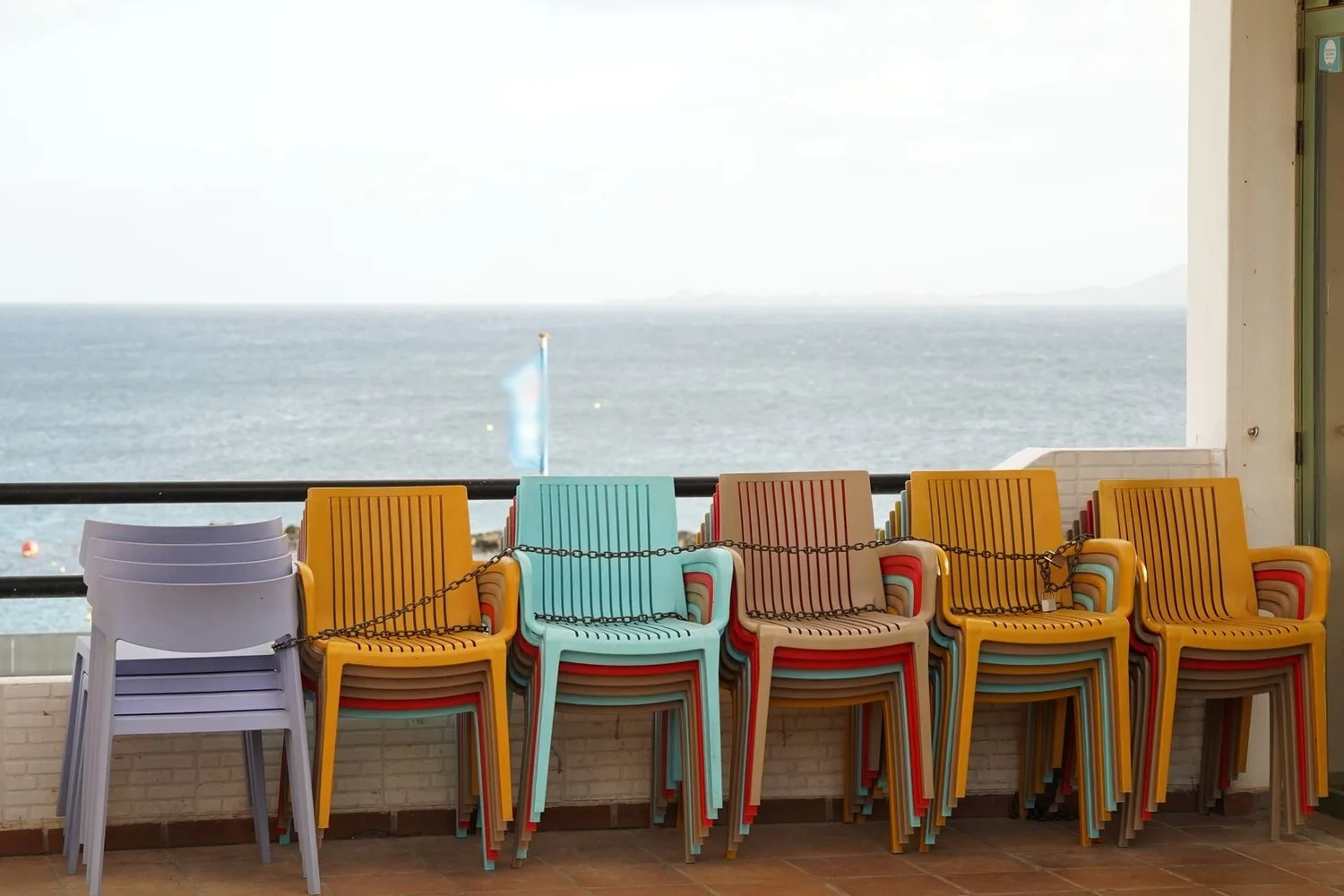
On the Costa Brava we see it every autumn: the beach restaurant packs away its terrace in October and its profile still says Open until April. Google's guidelines on seasonal hours settle it in a few lines. While you are open, show your regular hours, with special hours for public holidays. During the off-season you can mark the profile as temporarily closed. You can say in your description that you only open for a season. And when you reopen, switch your hours back on.
Closing temporarily has an effect that Google explains on its page about marking a business as closed: for broad searches, temporarily closed businesses can rank after open ones, depending on the category, the type of search and how many similar businesses are closed. People who search for you by name still find you and see that the closure is temporary. For a business that is actually closed this makes sense: it would be worse to come first and have people drive to the door.
Before you close and the day you reopen
A few days before closing, publish an update on the profile with your return date and how people can reach you in the meantime, for example to book for next season. Put the same notice on your website and set up your WhatsApp Business away message.
On the day you close, go to Edit profile and Hours, choose Temporarily closed and save.
On the day you reopen, switch to Open with main hours and enter your hours for the season. Do not switch it on a few weeks early to "warm up" the profile: it would say you are open when you are not, which is exactly what you are trying to avoid.
August holidays and summer hours
A business that closes for three weeks in August falls under the seven-day rule: Temporarily closed on the day it closes and its hours back on the day it reopens. If you do not close in summer but change your hours, like an accountancy firm that works mornings only in July and August, change your regular hours on the first day and change them back in September. That is two changes a year instead of sixty days of special hours.
We'll tell you in a ten-minute conversation
We reply the same day. No commitment, no sales pitch.
Your website has to say the same as your profile
A customer who is unsure checks two places, your profile and your website. If one says you open on Saturdays and the other says you do not, they do not know which to believe and call someone else. It happens a lot with the hours in the footer, written the day the site was built and never looked at again. Every time you change your hours on Google, check this on your website:
- Your hours as text, not in an image, on the contact page and in the footer. That way people, Google and AI assistants can all read them.
- A notice with dates right at the top at Christmas, in August or in the off-season: "Closed from 3 to 23 August. Back on the 24th."
- Structured data, if your website has it.
Opening hours in structured data
Structured data is code that does not show on screen and describes your business to Google: name, address, phone and opening hours. In Google's documentation on local business structured data, hours go in the openingHoursSpecification property, and validFrom and validThrough mark hours for specific dates. The example Google gives is precisely a business that closes over the winter holidays. If your website carries this code, when you change your hours you have to change them there too, or the page will say one thing on screen and another in the code. What it is and what Google reads from it is in structured data.
AI assistants do what the unsure customer does: they look for your hours wherever they can and answer with what they find. ChatGPT, for example, searches through third-party providers, so its answer on whether you open on Sunday may come from your website, your profile or a directory. If they all say the same, the answer will be right wherever it comes from. Keeping your information consistent across the web is part of GEO.

The other places where your hours live
Your Google profile is what people look at most, but not the only place. When you change your hours, also check:
- WhatsApp Business. The hours in your business profile and your away message, which you can schedule for specific dates or to go out outside business hours, an option that only works if you have set your hours in the profile. How to write that message is in WhatsApp Business for your business.
- Your Facebook page, if it shows opening hours.
- The directories in your sector: booking platforms, appointment apps or local guides.
- Your answerphone and the sign on the door, the first thing people find when they call or walk past.
- Your ads. With Google Ads campaigns running, schedule your ads so you do not pay for clicks on days when nobody can answer.
The post that announces the change
When you change your hours, Google says so itself: a message on your profile confirms the change and, on mobile, a post appears in the Updates tab. You can edit that post, and it is worth doing, because the automatic text does not say why your hours changed or until when.
A post of your own a few days before the holiday or the closure works better, with a photo of your premises and what people want to know: which days you are closed, whether you open on the morning of the 24th, how to order something in the meantime and when you are back. What to write and how often is in Google Business posts. When we handle a business's GMB articles, the holiday and closure notices go into the posting calendar.
Mistakes with opening hours on Google that we see often
- Permanently closed for the winter. The profile announces that the business has closed and many people write it off.
- Summer hours all year round, or winter hours in the middle of August.
- Hours written in a photo or in the description instead of in their field. The profile says whether you are open based on the hours field, whatever the photo says.
- Still on Temporarily closed in April, with the doors open since Easter.
- Made-up hours to look more available. Whoever turns up and finds you closed says so in a review.
- Not confirming holidays when you open as usual, and letting the profile say that hours might differ.
Everything else that counts on the profile, from the category to the photos, is in Google Business Profile.
What it costs for us to look after your profile
Your Google profile is part of the three presence plans published on our pricing page, all of them with monthly articles on your profile and a reply to every review:
- Basic Presence, €400 a month: three articles a month on your website and three on your Google listing, a reply to every review and GEO.
- Mid Presence, €750 a month: five and five, plus Google Ads and Meta Ads campaign management.
- Advanced Presence, €1,500 a month: seven and seven, the campaigns and two posts a month on your social media.
All plus VAT, with hosting included, no setup fee and no lock-in: billed month by month and you can stop with thirty days' notice. If what you need is to work on the map in depth, with your profile, your reviews and your website together, that is the local side of our SEO service.
Before the next public holiday, check your special hours on Google
We are three partners working from the Palau Firal in Sant Antoni de Calonge, with businesses in the provinces of Girona and Barcelona. Jordi plans the posting calendar for your profile and, if your website has its hours in structured data, Ivan makes them match Google.
If you would like us to look after your profile, send us a WhatsApp message with the name of your business and we will talk it through, with no commitment. You can also use the contact form.
Tell us what you need and we'll give you a price
We reply the same day. No commitment, no sales pitch.