
Search for any product on Google and, before any link, a row of photos with prices and shops shows up. That is Google Shopping, and it is where a big share of online purchases are decided. If you sell and you are not there, someone else takes the click. Here is what it is, how it works and how to make the most of it.
You search for a pair of trail shoes on Google and, before any result, a row of photos pops up with their price, the shop and even the ratings. That is Google Shopping, and today it is where a big share of online purchases are decided. If you sell products and you do not show up there, your competitor takes the click (and the sale) right in front of you.
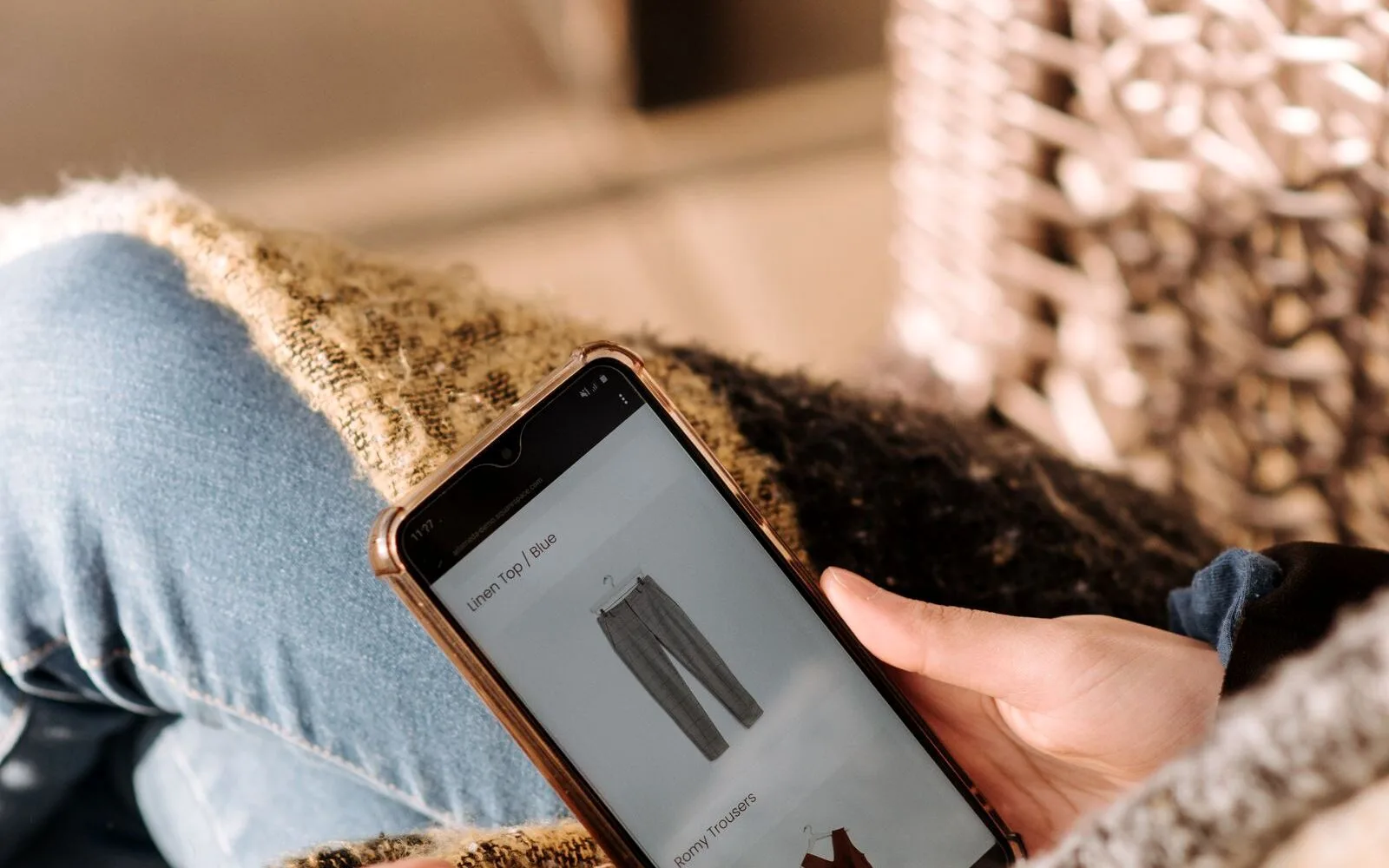
Google Shopping is Google's service that shows your products with a photo, price and shop name directly in the search results and in the "Shopping" tab. When someone searches for something you sell, your product can appear with its image above the text ads and the normal results. It is not a shop or a marketplace: it is a shop window inside Google that takes the buyer straight to the product page on your site. You have the definition on Wikipedia.
Behind those photo ads there are three pieces working together. The first is Google Merchant Center, where you upload your catalogue. The second is the product feed: the list with each item's data (title, image, price, availability). And the third is Google Ads, where you launch the campaign, set the budget and decide how much you pay per click. Merchant Center holds the catalogue, Google Ads puts it in front of people, and you only pay when someone clicks.
Google Merchant Center is the free tool where your catalogue lives. There you upload the feed, verify your site, set shipping and returns, and Google checks that everything matches (above all, that the prices on the site and in the feed are the same). It is the step almost nobody looks after and the one everything else depends on; you have the official guide in the Merchant Center help.
The key is intent. Someone searching "trail shoes size 42" already knows what they want and is one step from buying. Google Shopping puts the photo, the price and the shop in front of them at once, so they compare and click with the decision half made. For an online store it is one of the channels with the best return: you reach people exactly when they are looking to buy, instead of interrupting someone who asked for nothing.
A text ad describes; a Google Shopping one shows. With the photo and the price up front, the user already knows if it suits them before entering your site. The click you get is more filtered and usually has a better conversion rate: the person who comes in has already seen the product and the price and likes it, rather than clicking out of curiosity. That is why many online stores move a big share of their budget from text ads to Shopping.
Not everything on Google Shopping is paid. For a few years now, Google has also shown free listings: if you have the catalogue properly uploaded in Merchant Center, your products can appear in the Shopping tab and in some results without paying for the click. They do not have as much visibility as the ads, but they are traffic and sales that come on their own. The best move is to combine the two: free listings as a base that is always there, and paid campaigns to push the products you care about most. And both need the same thing: a clean, up-to-date feed.
Getting it running is not complicated if you follow the order. These are the steps:
Everything else depends on this. The feed is the list of your products with their data, and Google decides when to show each one based on what you put there. What matters most: a clear title with brand, model and attributes (not "REF-4521"), a clean product image, the price and availability always up to date, and the GTIN (the barcode) so Google identifies exactly what you sell. A well-kept feed pays off more than raising the budget: it is where Google Shopping is won or lost.
For a while now, many Shopping campaigns live inside Performance Max, the Google campaign type that takes your feed and spreads the ads across Shopping, Search, YouTube, Gmail and Display all at once. You gain reach and automation, but lose some control, so it pays to feed it good data and keep an eye on which products are really working. Google explains what Shopping ads are in its help.
Once it is running, making the most of Google Shopping is about pulling the right levers:
At Magnes Factory Google Shopping is not "upload the catalogue and done": it is feed, campaign and data working together. This is how we approach it:
Because in an online store the winner is not whoever spends the most, but whoever best connects what they sell with the person looking for it. And there Google Shopping is one of the tools that shows up in the till the fastest.
Google Shopping is Google's service that shows your products with a photo, price and shop name in the search results and in the Shopping tab. When someone searches for something you sell, your product appears with its image and, on clicking, goes straight to your site's product page. It works with Google Merchant Center (your catalogue) and Google Ads (the campaign).
There is no fixed price: you pay per click and you set the daily budget. The cost per click depends on the competition for each product and your bid, and you can start small and scale up what works. What really drives profitability is not how much you spend, but how well the feed and the campaign are set up.
An online store with product pages, a Google Merchant Center account with your site verified, a product feed with up-to-date data (title, image, price, availability and GTIN) and a linked Google Ads account to launch the campaign. With that you can already appear with your products on Google.
A text ad describes with words; a Google Shopping one shows the photo, the price and the shop before you enter. That is why the Shopping click tends to be more filtered and convert better: the person coming in has already seen the product and price and likes it. Ideally you combine both, but for selling products Shopping performs very well.
Yes. You do not need a huge catalogue or a big budget: with a few well-prepared products and a modest investment you can compete, because what decides it is the quality of the feed and bidding for profit, not size. For a small shop it is one of the fastest ways to appear where people are already looking to buy.
The feed is the list of your products with all their data: title, image, price, availability, brand and GTIN. It is where Google takes the information to decide when and how to show each product. A well-made feed (clear titles, good photos, up-to-date prices) is what most influences Google Shopping performance.
The Spanish government grant for digitising your business is opening again. When it opens it runs out: it is granted in order of arrival, and whoever turns up with the paperwork ready gets in.
What is usually required: being a freelancer, micro-business or SME with a tax address in Spain, being up to date with the tax office and social security, and having completed the self-assessment test. The timetable is published by the government at acelerapyme.gob.es.